
Numbers
You can click on any number to open it in the numbers tab. You can also navigate to the numbers tab by clicking the tab in the side panel, using the keyboard shortcut, typing in the number and pressing to view information about that number. You can also enter a number into the gematria table input and press to open the number in the numbers tab.
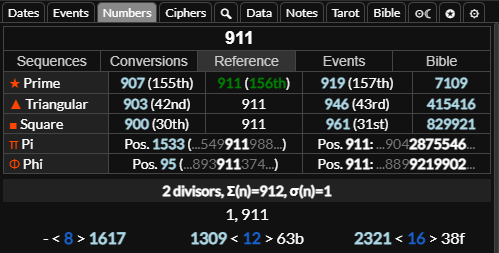
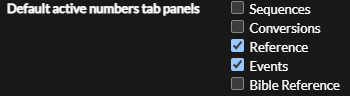
There are 5 buttons that you can toggle to expand the sequences table, base conversions chart, reference information, related events or related Bible verses, chapters and Strong's concordance entries. You can press while focused on the number input to toggle each of these respectively. You can set any of these to show by default in the settings tab.
Sequences Table
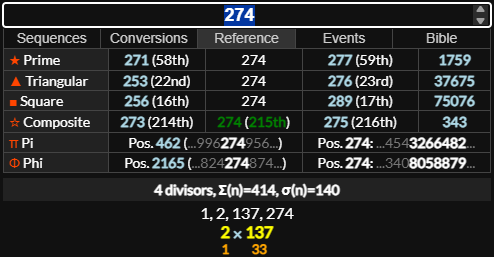
The sequences table shows where the number is in each numerical sequence and what the nth number in the sequence is. You can hover over the sequence name for an explanation of the sequence, you can click it to open up the sequence in the data tab, or right click it to open the sequence in the data tab with each number on a new line with the line number at the beginning. You can right click values that are in sequences in this table to open them up in the breakdown area for screenshots or shift click them to append them to the breakdown area.

Factorization
Below the sequences table you can see the divisors and prime factorization. Beneath the prime factorization you see the nth prime number in orange, for example, 137 is the 33rd prime number so would have 33 below it.
Base Conversions
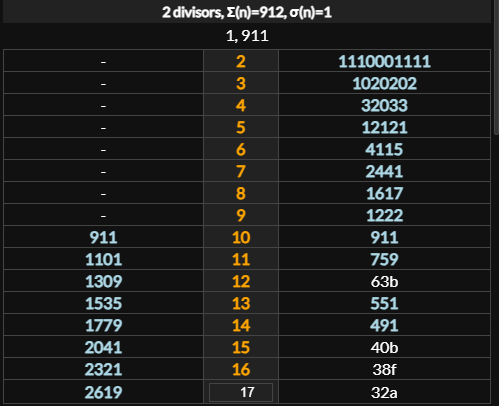
If base conversions is toggled off you will see conversions from and to the 8th (octal), 12th (duodecimal) and 16th (hexadecimal) bases. With base conversions toggled on you can see conversions from and to bases 2-16 and a number input below it. You can enter any number from 2-36 to see the base conversion.
Number Reference
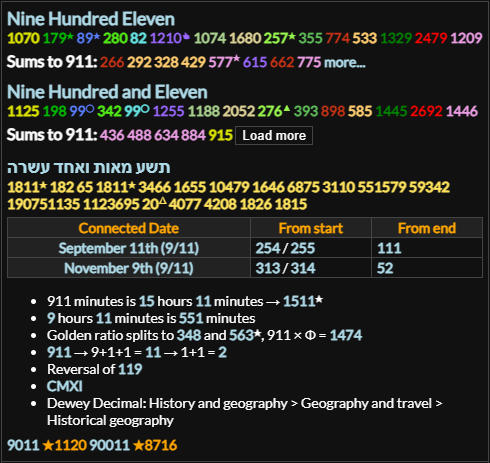
The number reference panel will show the numbers as words in English and Hebrew with the gematria of those words and numbers that equal the given number when spelled out of words. It will show dates connected to the number, for example 911 connects to September Eleventh (9/11) and 33 connects to February 2nd, the 33rd day of the year. This also gives various other kinds of information depending on the number.
Number Notes
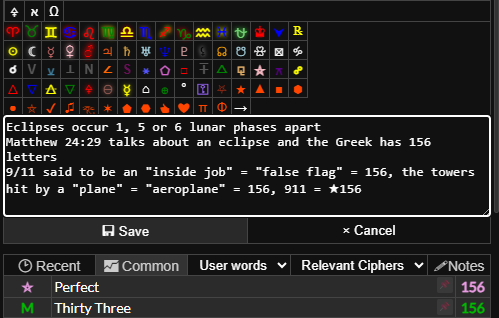
You can click the button to save notes about a number. You can press to save the notes or click the save button. Each new line will display as a list item when you save it.
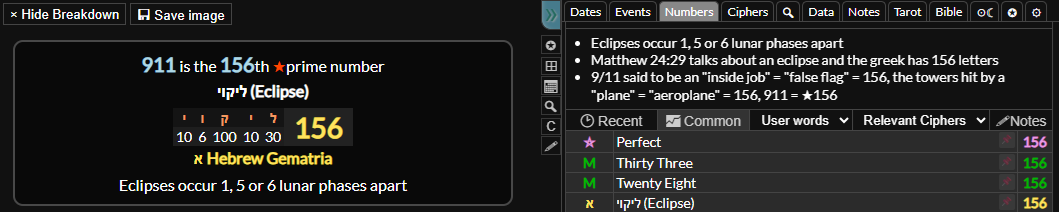
You can any of these to append it to the breakdown area if you want to include it in the screenshot image.
Words by Gematria values
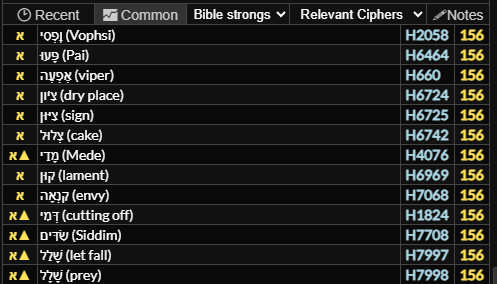
At the bottom you will see a list of words with the gematria value of the number you entered. You can order these by the most recently entered terms or the most commonly entered terms by clicking the buttons.
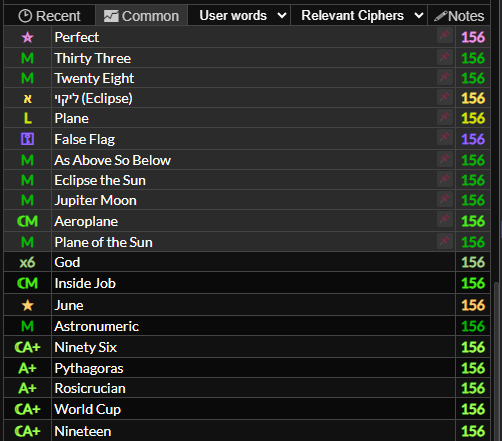
You can choose which table to search from the drop down. The user words table is the words you have entered, the dictionary is the English dictionary, Bible is Bible verses, Bible Strong's is the words of the Textus Receptus (Hebrew and Greek) as listed in Strong's concordance.
Filtering by Ciphers
You can select which ciphers you want to view gematria values for. Relevant ciphers will show words with gematria values in ciphers you have set as "relevant" in the settings tab. Active ciphers will show ciphers currently active in the calculator, base ciphers will show ciphers set as default active and all ciphers will show words with matching gematria in any cipher.
If you hover over words in the table you can click the button to remove the word from the database and the button to in it to the top of the list for that number. You can click the word to display it in the gematria table and right click it to show it in the breakdown area. You can click to append the word breakdown to the breakdown area.
