Bible
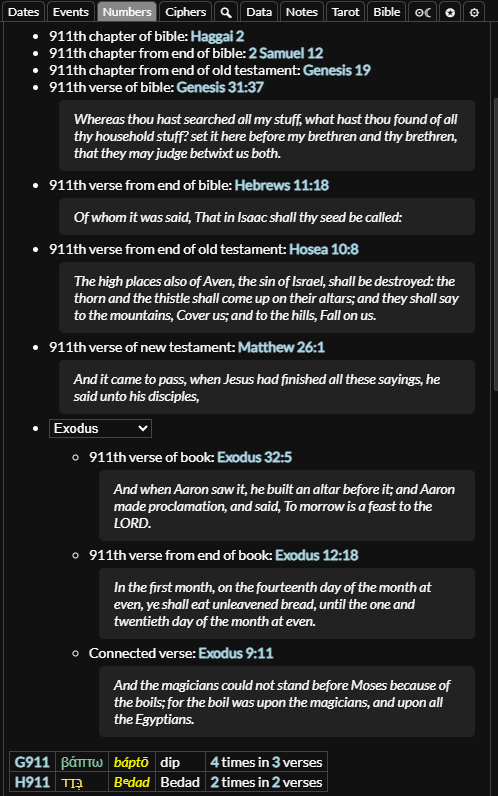
To navigate to the Bible tab you can click the tab in the side panel or use the keyboard shortcut. You can open up a Bible chapter or verse from the gematria calculator by typing the chapter or verse in the format "Revelation 22", "rev 22", "Revelation 22:21", "rev 22:21" and pressing .

Navigation
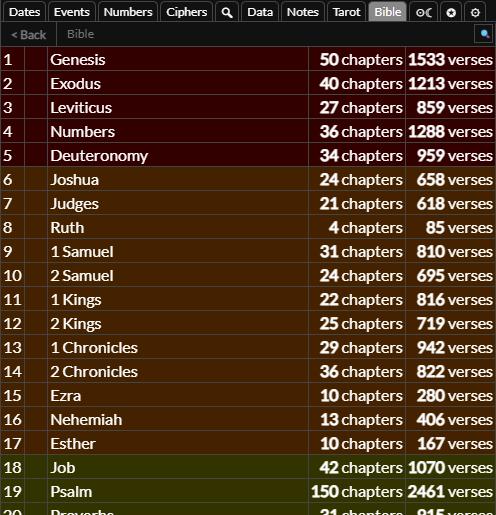
When you first open the Bible tab you will see a list of books. You can click on any of these to open up a list of chapters.
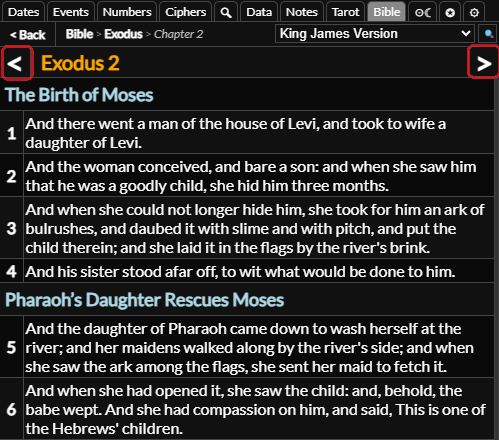
You can then click on a chapter to open it up. You can use the and buttons at the top to go to the next or previous chapter or verse. You can click a verse to open it.
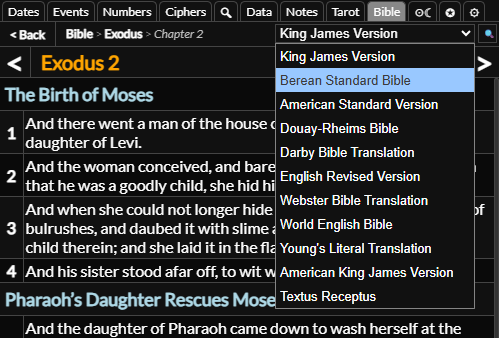
By default you will see the King James Version. You can change this using the dropdown in the top right and you can select the default version to show in the settings tab.

You can click the button and breadcrumb links at the top to go quickly go back to the previous thing you were looking at.
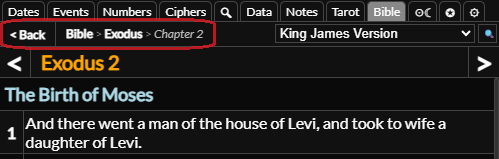
Verses
When you open a verse you will see a list of translations and button.
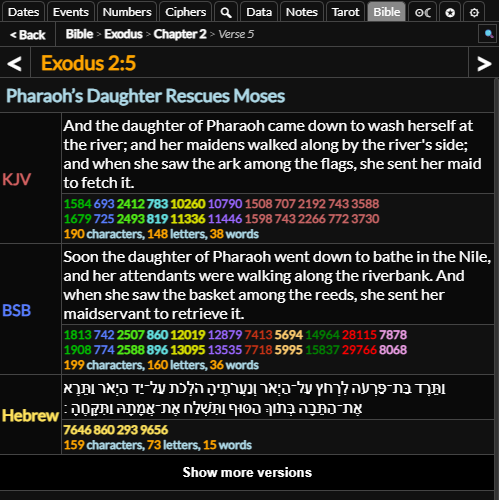
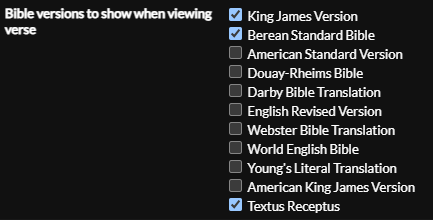
You can select which translation show by default in the settings tab.
Beneath each translation you will see a list of gematria for the verse when written out on its own and with the verse name in front of it. You can the text to open it in the gematria table and it to open it with the verse name at the beginning.
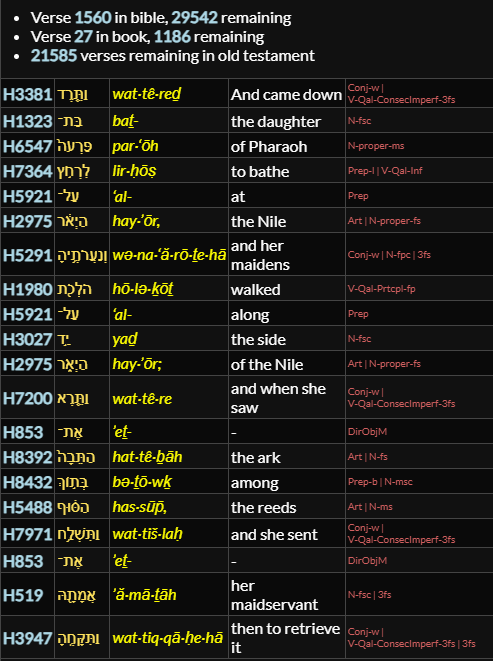
Below the translations is some information about where the verse is in the Bible. Below that is the interlinear table, where you can see the original text with its pronunciation and translation word by word. You can click the Strong's reference number on the left to view more information about it.
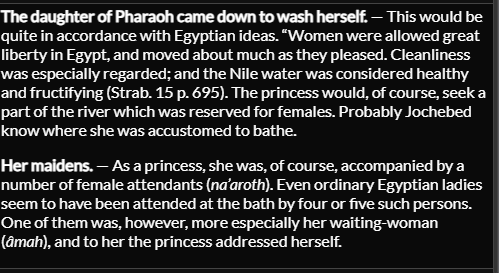
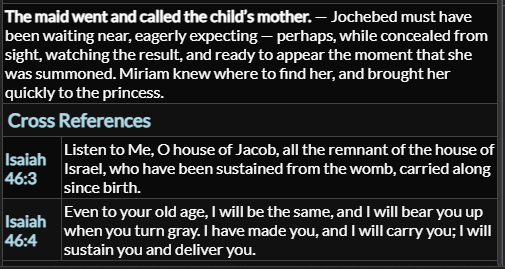
Below that you will find commentary and a list of cross references for the verse. You can click the verse name and number to go to that verse
Search
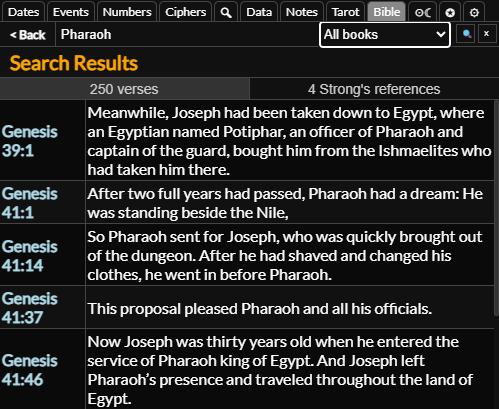
To search the Bible you can click the button in the top right of the bible tab. You can then type what you want to search for in the text input, select where in the Bible you want to search and then press or click the button. To hide the search bar you can press while focused on the text input or click the button.
When you search you will see a list of verses and a list of matching Strong's concordance entries. You can click any of the verses to go to the verse or click the Strong's reference sub tab and click any of the Strong's concordance entries to go the entry.
Strong's Concordance
Strong's concordance is a list of every word used in the Hebrew and Greek text of the bible. If you navigate to a Strong's concordance entry you can see information about the word and where it is used in the Bible.
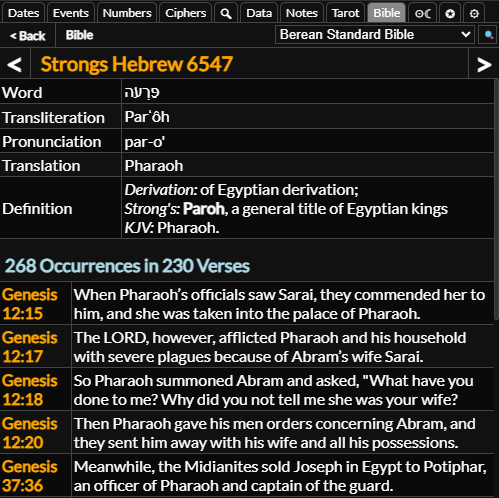
You can also navigate to a Strong's entry using the Bible reference in the numbers tab to look up a Strong's entry by number. Simple navigate to the numbers tab, open the Bible reference section using the button at the top and then click . You can also select a book from the dropdown to load related verses within that book.