
Notepad
One of the most useful features for decoding is the notepad tool. You can open this using the button by the side panel or by pressing .
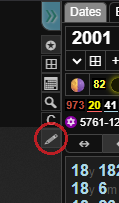
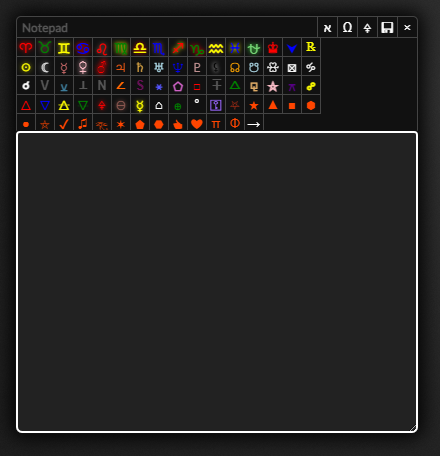
You can drag the notepad tool around the screen by dragging the title bar and expand it by dragging the bottom right corner. You can focus on the notepad at any time if it's already open by pressing and close it by clicking the button or by pressing while focused on the notepad.
If you press while focused on the notepad or click the button in the top right of the notepad tool it will take you to the create event form where you can save your decode as a new event.
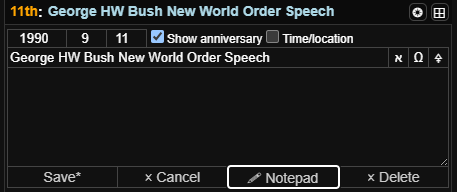
If you click the notepad button on an event or note it will open the event in the notepad tool, then you can press to move the text back to the event for quick saving. You can also open notes and events in notes in the notepad using while focused on the text area that you want to open in the notepad.
If you click the buttons you can use them to type Hebrew, Greek and glyph characters. Try pressing while focused on the notepad and then using the arrow keys and enter key for quick entry of glyphs.
While using the notepad and other text areas you can use to duplicate the current line or currently selected text and to move the current line or currently selected lines up or down.