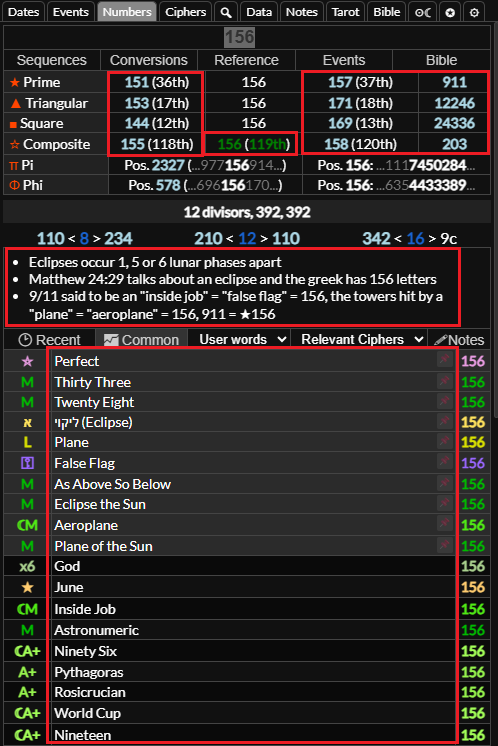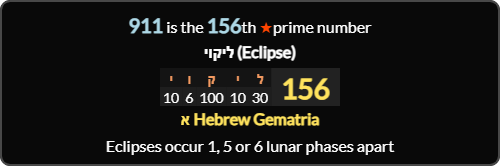
Breakdown
The breakdown/screenshot area at the top of the screen can be toggled with . You can on gematria values, dates spans, date numerology, numerical sequences to open them in the breakdown area. You can then other gematria values, date spans, numerical sequences etc. to append them to the breakdown, then click the button to easily create screenshots.
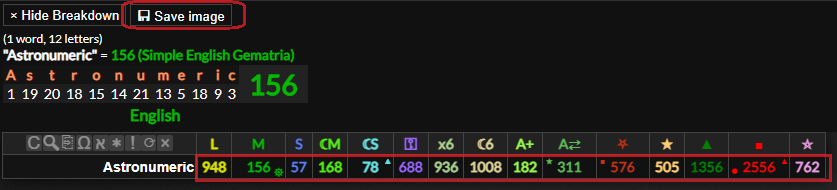
Previewing Date Spans
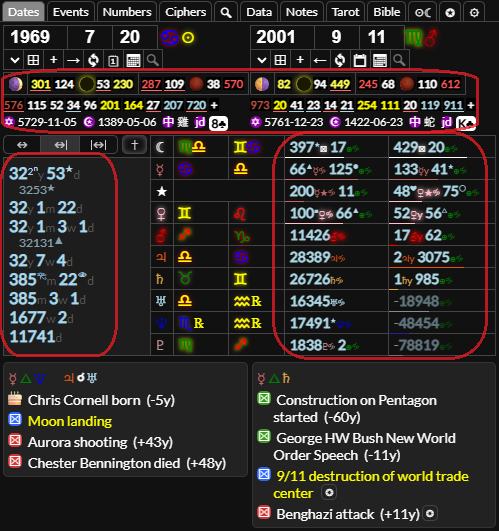
You can a date span to preview it in the breakdown, if you right click a sequence it will also show the sequence in the breakdown.
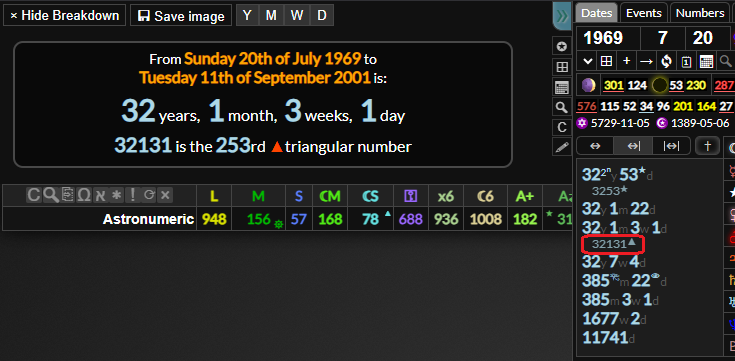
any of these areas to view them in the breakdown.
a gematria value in to append it to the breakdown.
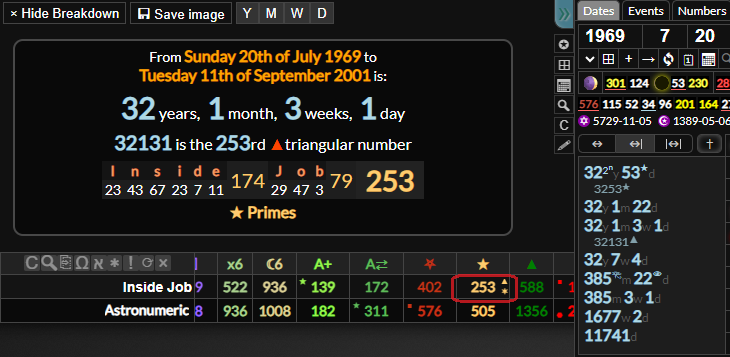


Numbers Tab Breakdown
or these areas in the numbers tab.