
Keyboard Shortcuts
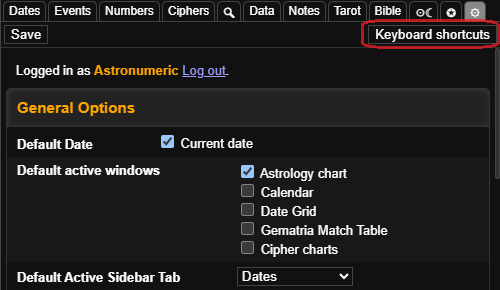
To get around the calculator quickly there are many keyboard shortcuts for focusing on the various different tools or quickly searching events in the dates panel. A full reference of keyboard shortcuts can be viewed any time from the settings panel. You can get reminders of keyboard shortcuts by hovering the mouse over the elements on the page that they affect.
Some of the most useful keyboard shortcuts are alt+g to focus on the gematria table, alt+d and alt+f to focus on the date inputs, and alt+0-9, alt+q and alt+shift+q for navigating the tabs.