Notes
The notes tab can be used for recording your decodes or to link related events. Navigate to the notes tab by clicking the tab in the side panel or using the keyboard shortcut and then click the button to start.
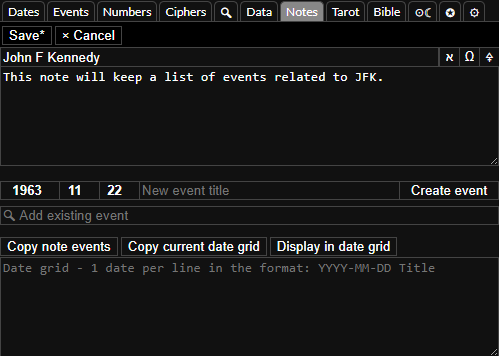
In the notes form you can set the title and the notes for the decode. If you press while focused on the text area you can open the note up in the notepad tool, edit the text and then press to copy the text back to the note. You can then press while focused on the note to save it or click the button at the top.
Adding events to notes
You can then add existing events by typing their titles in the add existing event input or create new events by entering the date and title to the inputs above the search.
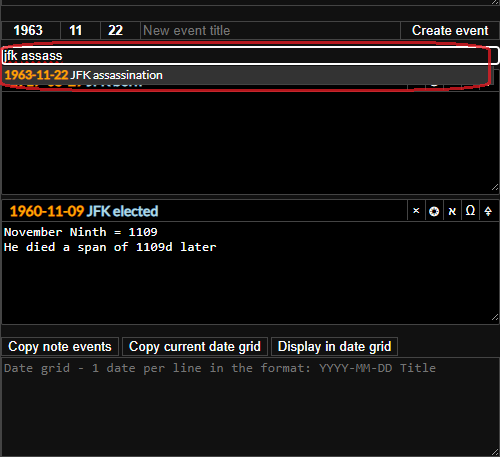
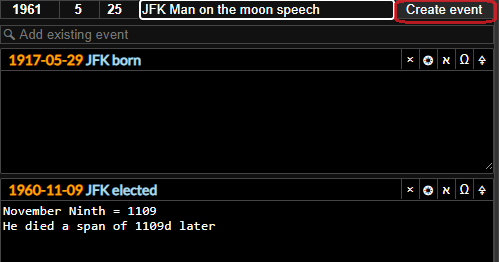
When you have added an event to a note you can:
- Left or right click the date to open the date in the dates tab in the first or second date.
- Click the title of the event to go to the event in the events tab.
- Click the button on the event to remove the event from the note.
- Left or right click the button to open up the astrology chart for the event in the first or second date.
- Press
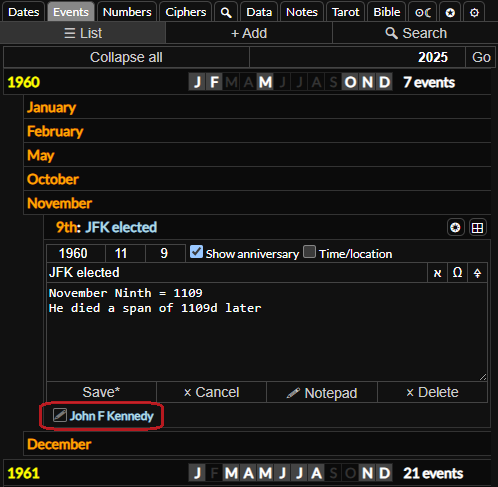
If you save changes to an event and it is already open in the events tab it will update the text there and vice versa. If you add an event to a note you will also find a link to the note from the event in the events tab.
Saving a Date Grid
Below the events you will find the date grid tools. Here you can store a date grid ready to load with the click of a button with one event per line in the format YYYY-MM-DD Title.
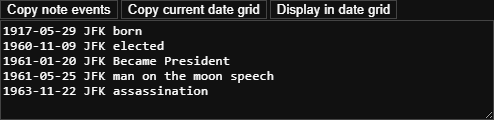
You can click the button to copy all the events that have been added to the note into this format and then the button to open it up in the date grid. If you already have a date grid open with dates entered into it you can click the button to store it in the note