Calendar
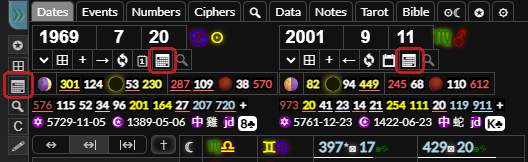
You can open the calendar tool by clicking the button by the side panel or using the shortcut. You can also go to a calendar month from the dates tab by clicking the button underneath the dates input or pressing while focused on the date input. You can set the calendar tool to be active by default when you load the page in the settings tab.
The calendar will show a given month. You can change month using the inputs in the top left or the and buttons. You can hide the calendar by pressing while focused on one of the inputs or clicking the button. You can focus on the inputs if the calculator is already open by using the keyboard shortcut.
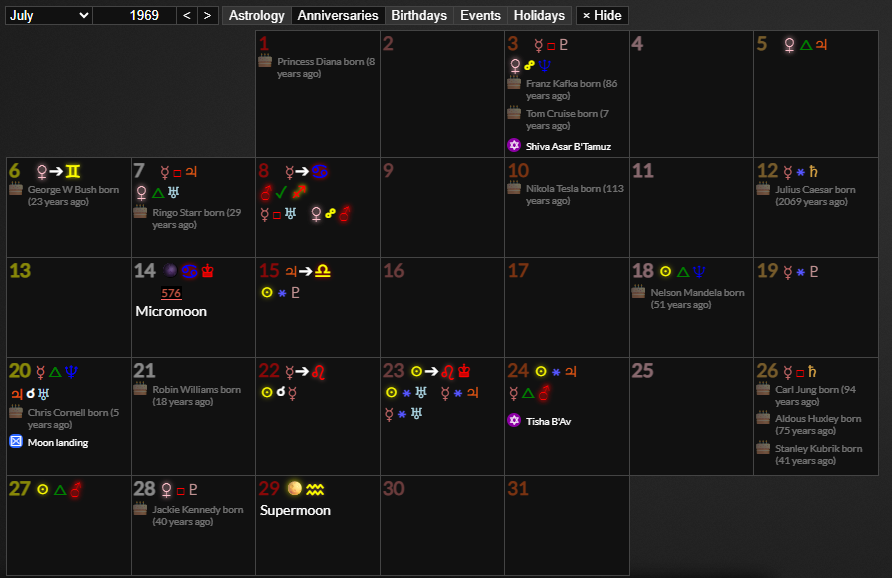
You can choose what information is displayed on the calendar by toggling the astrology, anniversaries, birthdays, events and holidays buttons. You can choose which of these will be activated by default in the settings tab.
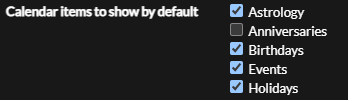
- will toggle astrological events, such as aspects, planet sign changes, lunations and eclipses.
- will show events that happened on the anniversary of that day.
- will show events that end in " born". If you create an event for the day a person was born, remember to end the title with " born".
- will show events that happen on that day
- will show things like Christian and Jewish religious observances.
You can click astrological aspects and sign changes to open them up in the astrology panel and events to open them up in the events tab.