
AstroNumeric Version 1.1 Update

AstroNumeric Calculator
AstroNumeric Help Page
Hello, it’s been a few weeks since we launched version 1 of the AstroNumeric calculator and today we have released the version 1.1 update. I would like to thank everyone who has been using the calculator so far and Adam and Derek again for helping get this live. On the day the calculator launched, I did a livestream with Derek discussing the many features the calculator and going over some decodes that it makes possible.
(screenshots enlarged by clicking)
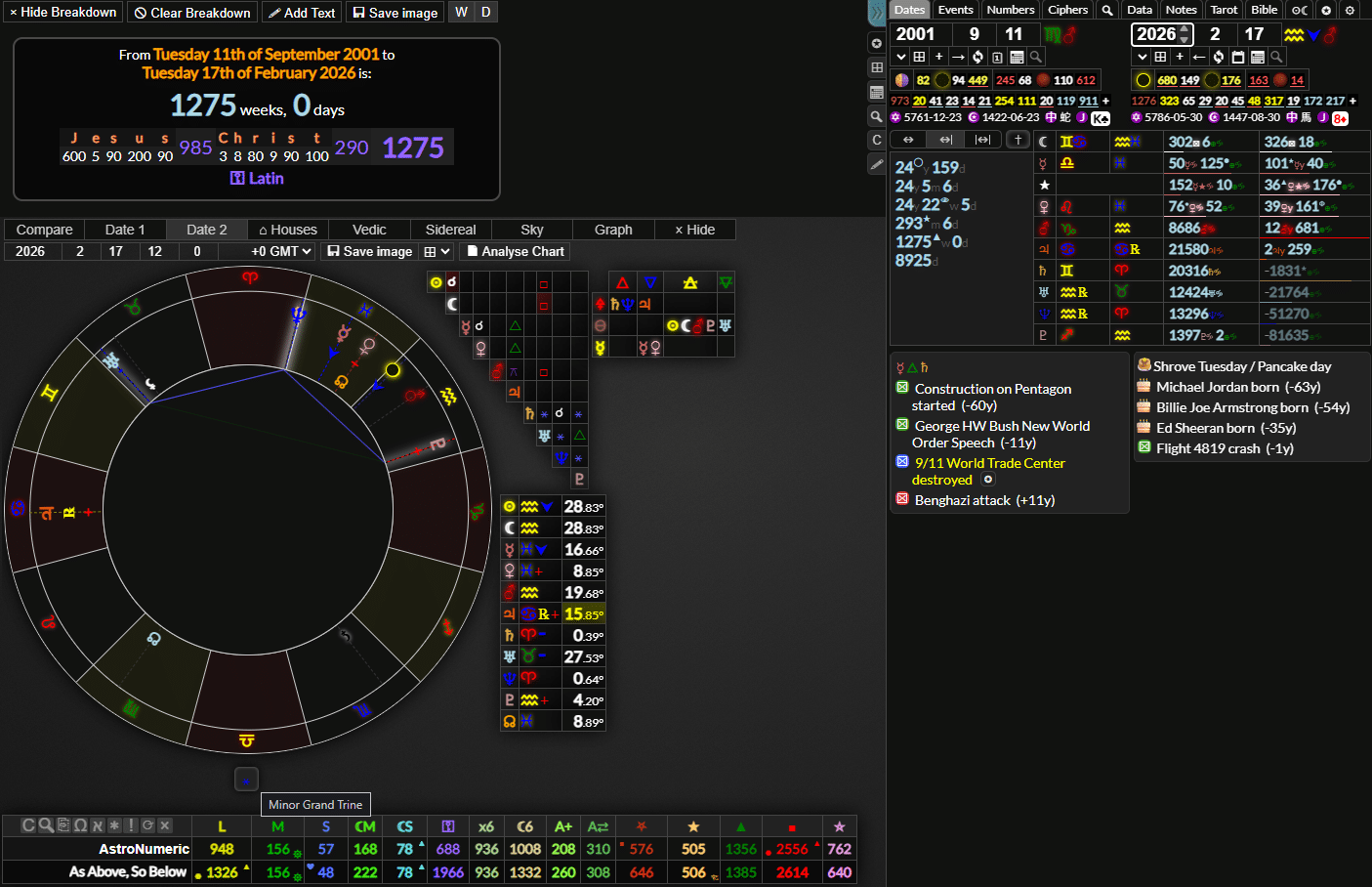
To be brief, AstroNumeric aims to be the best astrology software and the best numerology, all in one, all on one screen, with everything integrated, allowing you to research, learn and save your notes and decodes as you go. It aims to do everything you would expect from professional astrology software, but going a step further in every direction, bringing things to life in ways that you simply can’t get from looking at a traditional chart.
There are many tools for visualizing whatever it is you are decoding, such as astrology graphs – instantly accessible by simply right clicking the astrology tables – sky view, Vedic and sidereal charts, the date grid, gematria match table, calendar view, date span breakdowns for all planets, date numerology for the Gregorian, Hebrew, Islamic and Julian calendars, moon phases, eclipses and lunation numbers, the list of features goes on and on. It also features a complete Bible, eclipse and tarot reference, a notepad, information about each planet and zodiac sign combination and how planets interact with each other.
For a full list of features you can view the info page here, or watch the livestream linked above. There is also an in depth user guide that will introduce you to the basics of astrology and numerology explain how to get the most out of every feature.
AstroNumeric Calculator
AstroNumeric Help Page
What’s New?
⚡Chart Analysis
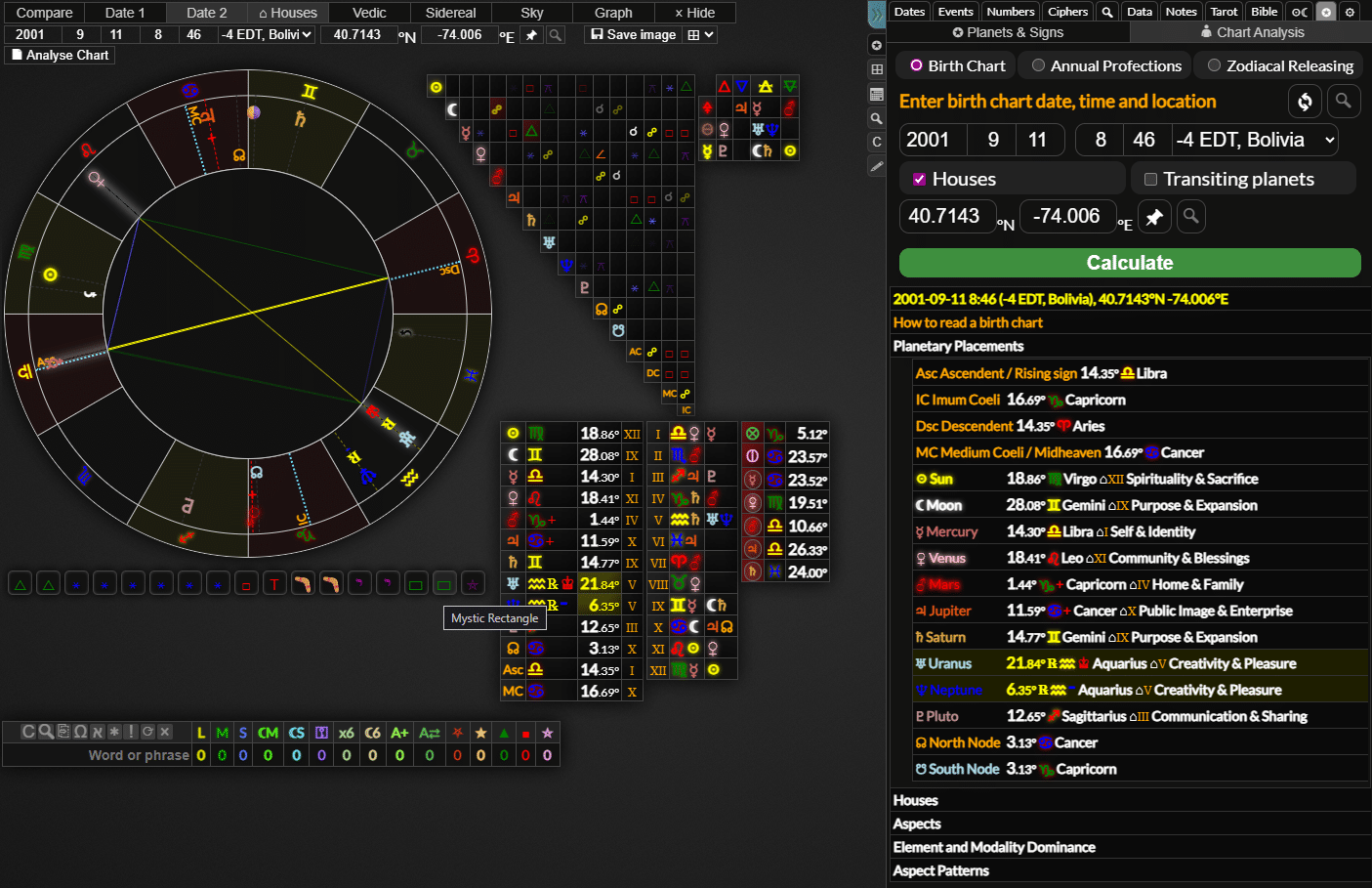
Now, today we have launched version 1.1. The main new feature is the chart analysis tool. This will give you a complete breakdown of every planet, what it is doing and everything that impacts and interacts with it. This includes every aspect in your chart, sorted by strongest aspect to weakest, the houses and their rulers, a breakdown of the whole chart and any aspect patterns that are made and what they mean. You can also get a breakdown of how a transiting chart impacts your natal chart, descriptions for all the transiting planets and the aspects they are making.
This is the kind of information you would get from an astrology consultation, at your fingertips, for any chart, at the click of a button. This will also teach you astrology and help those new to it start integrating it into their research and decodes.
⏳ Ancient Timing Techniques
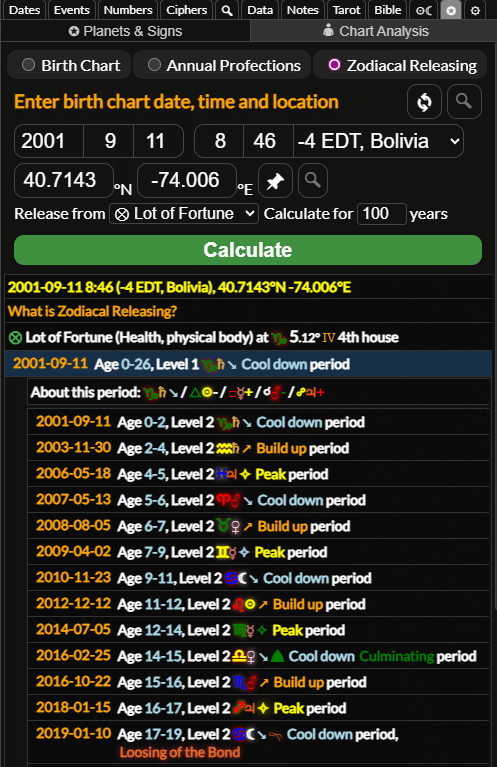
This also includes calculators for annual profections and zodiacal releasing, two timing techniques that break down your life into periods of time where certain themes have more of a focus or intensity. If you are new to these techniques, don’t worry, there is an explanation for how to read a chart and how to understand these timing techniques included.
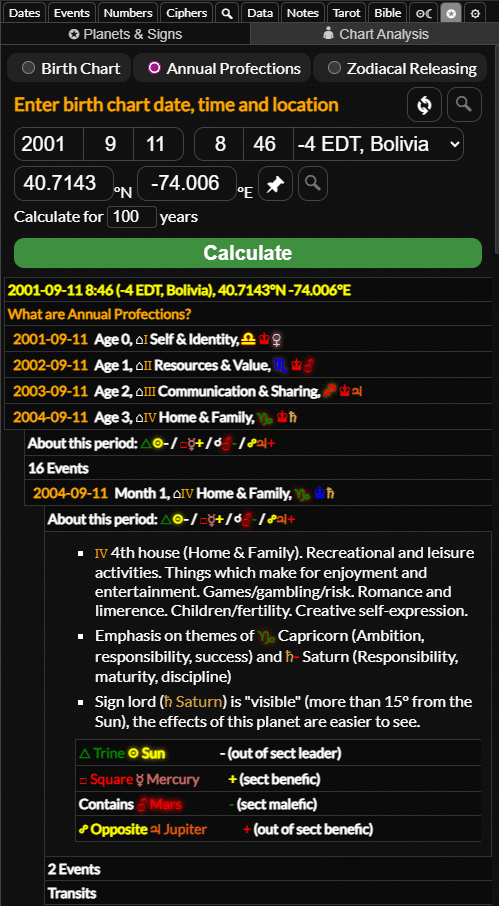
Zodiacal releasing involves the calculation of “lots” based on your birth chart, which rule different areas of your life and affect how zodiacal releasing periods are calculated. You can opt to choose or hide these from the chart in the settings and there is a new table next to the astrology chart that will show where these lots are and the current zodiacal releasing periods for whatever date you enter. There are also explanations for each of these in the calculator.
📐 Aspect Patterns
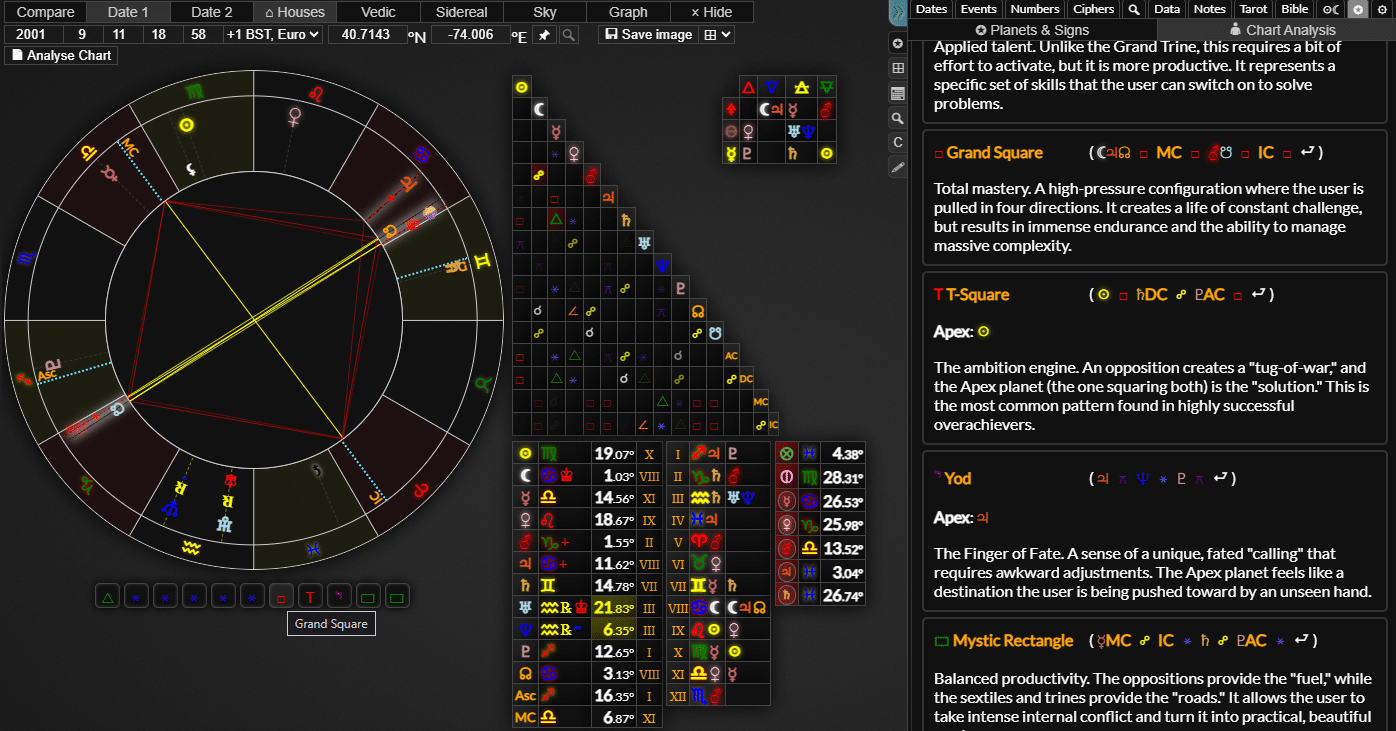
The next new feature is aspect patterns. This is when three or more planets are arranged in certain formations and interact with each other, such as a grand trine or grand square. The outer planets, for example, are currently in a minor grand trine formation. These will display beneath the astrology chart and you can hover over them to view the pattern on the chart and highlight the planets involved. You can click them to view the explanation of the pattern or right click them to toggle the chart to only show the planets involved.
You can click or right click the planets in the planets table to hide or show them again. This version will now also allow you to toggle planets on each chart separately when viewing a comparison chart.
📸 Astrology Chart Screenshots
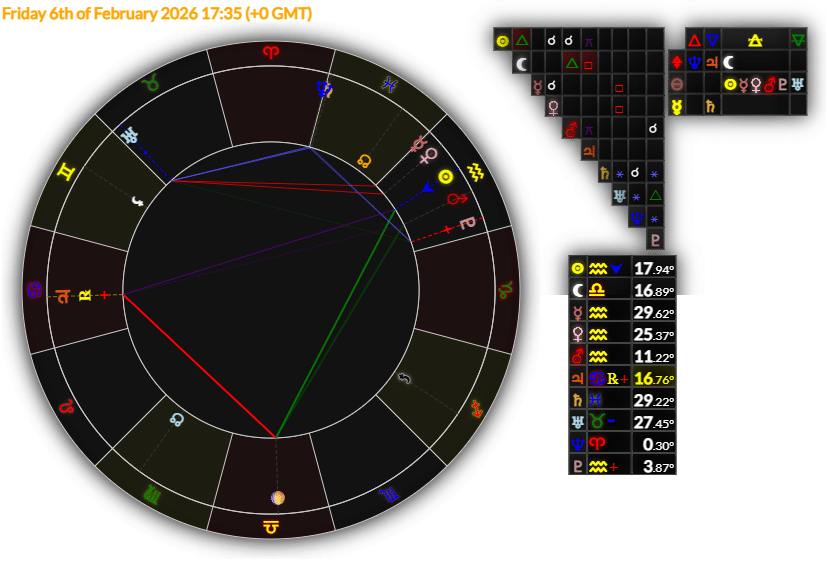
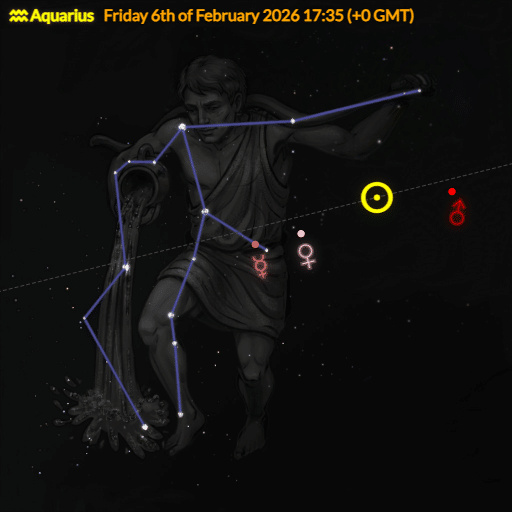
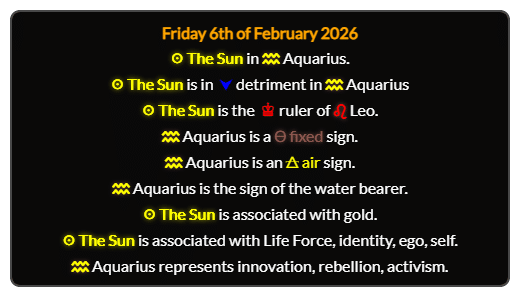
There is now a “save image” button on the astrology chart and a drop down next to it that allows you to include or not include the tables or take a screenshot of any constellation with the planets overlayed. Here are the kinds of images that you can produce with the simple click of a button:
Breakdown Screenshot Improvements
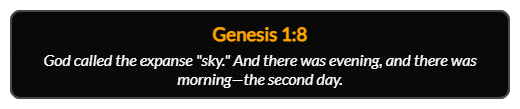
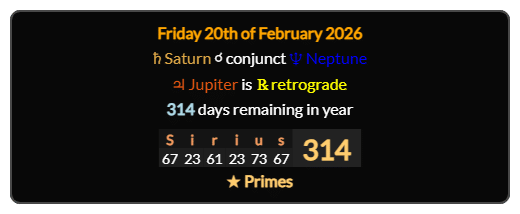
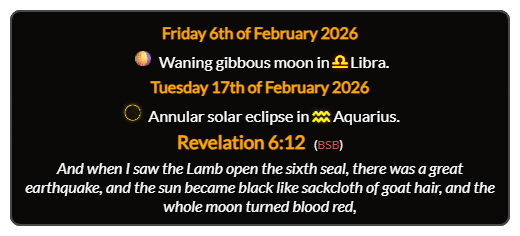
You can now also right click and shift+right click bible verses and astrology features in the dates panel, calendar, astrology panel etc. to add them to the breakdown area. Remember, you can also right click and shift+right click date spans, date numerology, gematria values and number sequences to create integrated decodes from various kinds of information and save them as an image.
-The look of comparison charts has been updated. They are now slightly bigger and feature a line separating each chart which brings it into line with most other astrology software, and should make it easier to view
-Astrology graphs now have titles. Again, you can right click the aspects table or planets table to quickly open up graphs for a planet’s path through the zodiac over time or the planetary aspect cycle for two planets and the dates that exact aspects are made.
-The addition of the “narcissistic” numbers sequence, such as 153 or 8208. These are also known as “Armstrong” numbers.
-Many bug fixes and improvements to the interface.
-Many new “under the hood” changes that will make it possible to add more features in future versions.
If you have been using the new calculator, we would love to hear your feedback. There is a “feedback” link in the ⚙ settings panel and a channel in the discord, so please let us know what you’re enjoying or if there is anything you would like to see improved or any features you would like to be added. You can also tag us on X:
Gematrinator (X)
KateMaatkare (X)
Please also let us know if you have made a video or decode using the calculator or any of the new features!
I have many plans for things I would like to add to this calculator to improve the experience for everyone, but that can only be possible through growing the user base, so please spread the word, use the calculator in your decodes, use the new features for exporting images. Help grow this community and help spread peace, love understanding, wisdom and knowledge for all who seek it.

Thank you!